
iOS UIImageView图片自动拉伸功能
作者:袖梨
2022-06-25
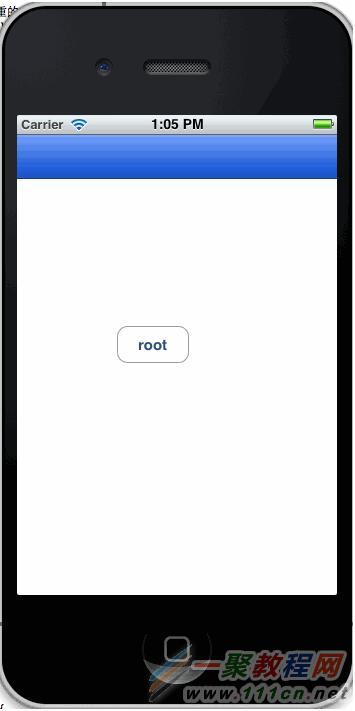
这个是使用一个切片,使其填充到整个NavigationBar上面。
| 代码如下 | 复制代码 |
- (void)viewDidLoad { [super viewDidLoad];
UIImage *smallImage = [UIImage imageNamed:@"hc_03.png"]; UIImageView *imageView = [[UIImageView alloc] initWithImage:smallImage]; [imageView setFrame:CGRectMake(0, 20, 320, 44)]; imageView.contentMode = UIViewContentModeScaleToFill; [self.view addSubview:imageView];
[imageView release]; } | |
这里采用的是使用addSubView的方法遮住原来的NavigationBar,其实还有别的方法,可以使用重绘NavigationBar实现这种效果,这个下次再说。
先上图:
切片如下:

有图有真相:
相关文章
-
韩剧再婚皇后阿里云盘全集高清1080P资源链接-韩剧再婚皇后免费阿里云盘资源下载4K高清无删减版链接
游戏攻略 2026-11-06
-
poipiku网站如何打开-poipiku官网网页版访问入口
游戏攻略 2026-11-06
-
明日方舟:终末地-云游戏畅玩入口-明日方舟:终末地-网页版在线直连地址
游戏攻略 2026-11-06
-
poki在线小游戏网页版-poki免费游戏大全入口
游戏攻略 2026-11-06
-
poki游戏入口-点开即玩-poki游戏-在线免费畅玩
游戏攻略 2026-11-06
-
原神akt大佬资源viciNeko入口链接-原神akt大佬资源网页vicineko入口链接分享
游戏攻略 2026-11-06








