Ubuntu系统怎么安装Flash Player应用?
作者:袖梨
2026-09-26
Ubuntu系统中没有Flash Player,想要安装Flash Player,该怎么安装呢?请看下文详细介绍。

Player Adobe Flash Player for IE v26.0.0.137 官方中文版
类型:图像浏览大小:11.5MB语言:简体中文时间:2017-07-12查看详情1、打开Ubuntu软件中心,从任务栏中找到它。
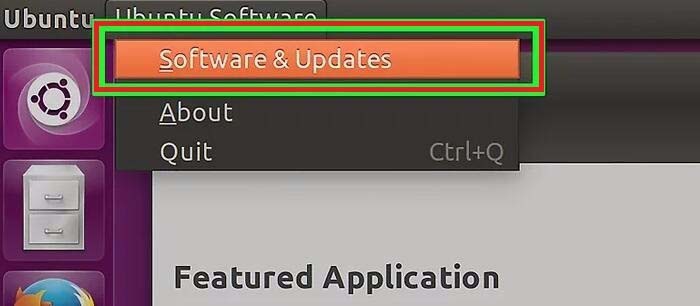
2、点击“编辑”菜单,选取“软件来源”
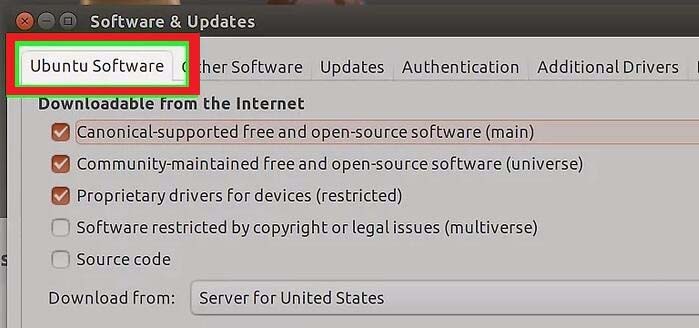
3、点击“Ubuntu软件”
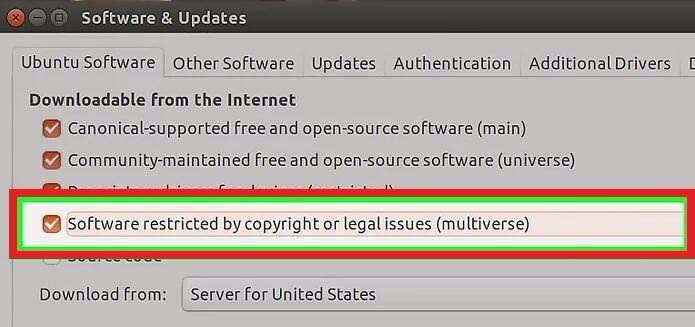
4、找到“受版权或法律限制的软件”,将它关闭。
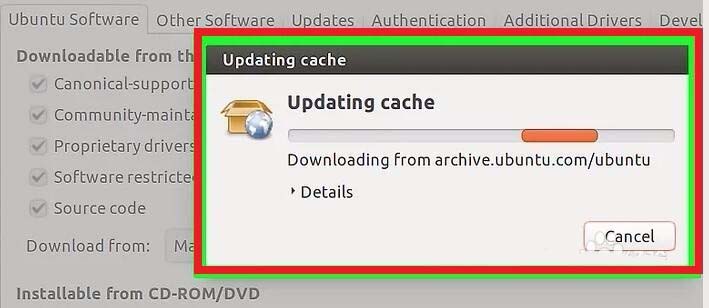
5、等待软件中心更新软件源
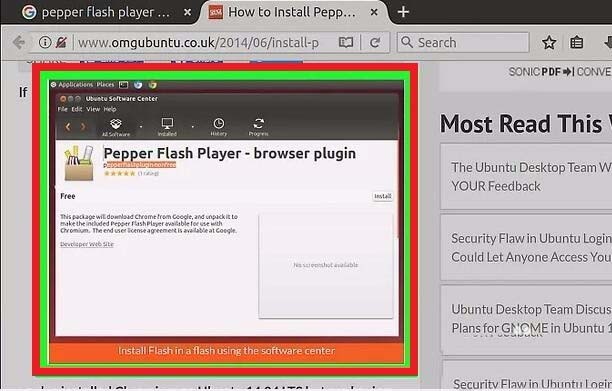
6、搜索“Pepper Flash Player”下载它,按下Ctrl+Alt+T打开终端。
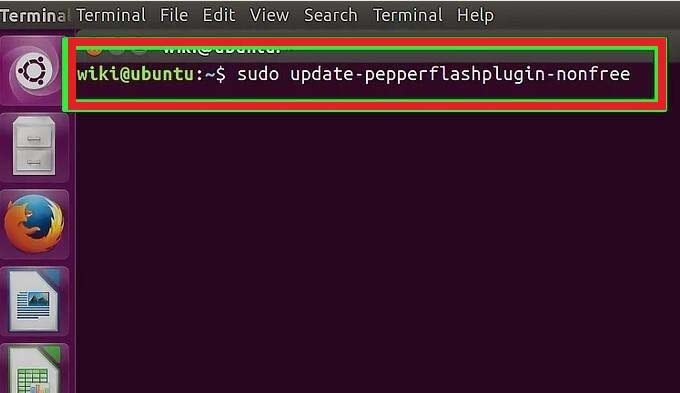
7、输入.sudo update-pepperflashplugin-nonfree回车。
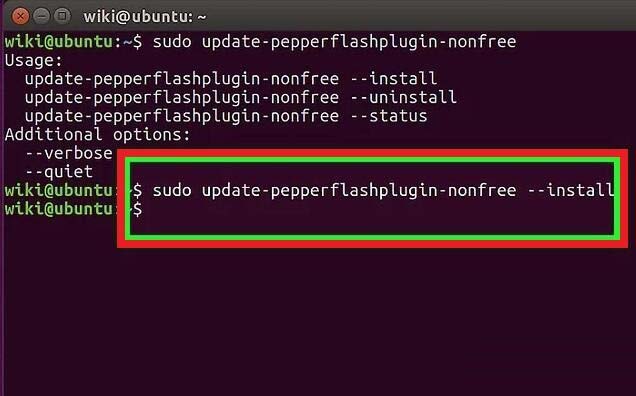
8、等待安装完毕后会出现你的电脑名。输入exit回车,关闭终端。
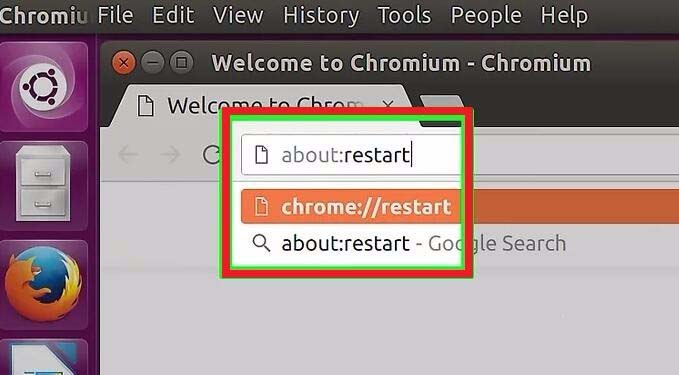
9、重启浏览器Flash已经安装到Chromium中