Visual Studio Code如何设置显示构造函数
作者:袖梨
2026-07-19
Visual Studio Code怎么设置显示构造函数
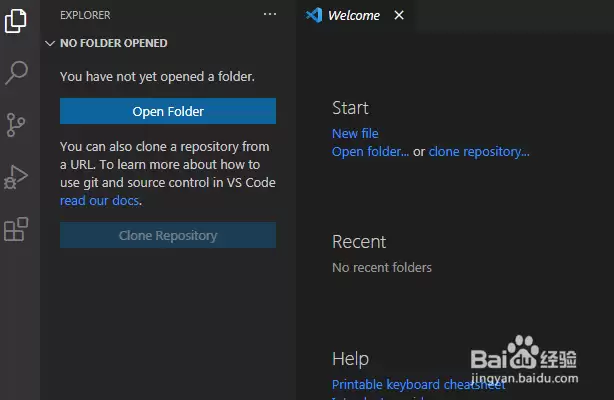
首先,打开一个Visual Studio Code的界面中
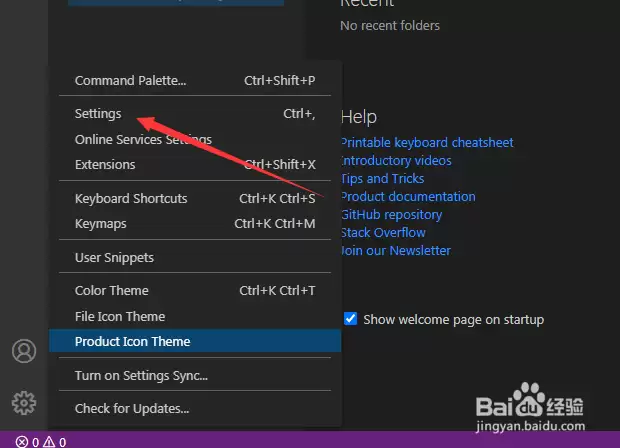
点击左下角中的 设置图标

点击了设置图标选项之后,弹出了下拉菜单选中为 settings 选项
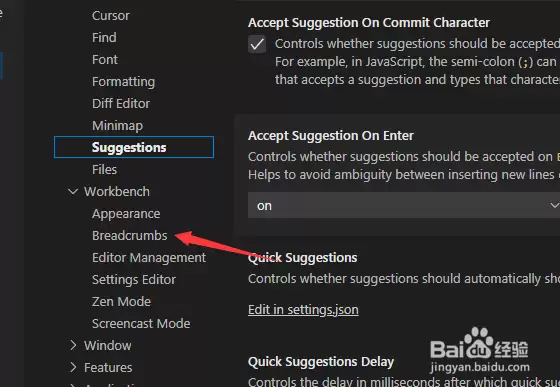
进入到了settings界面中,点击左侧中的 breadcrumbs 选项
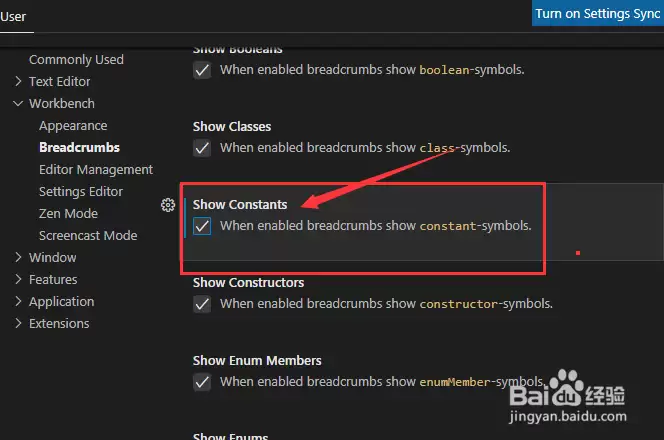
进入到了breadcrumbs 的界面中,勾选上 show constants 选项
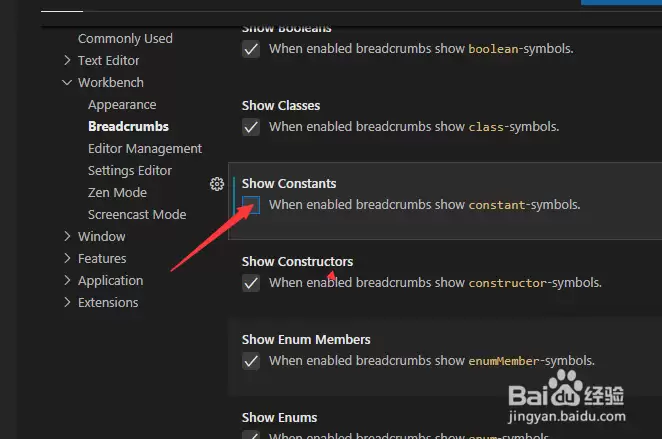
勾选上 show constants 选项之后,会自动对当前设置做保存