OpenClaw快速部署及使用做法指南(智谱AI)
作者:袖梨
2026-08-03
OpenClaw快速部署及使用做法指南(智谱AI)并不只看表面做法,关键还要理解相关条件、限制和后续影响。
快速开始
第一步:安装核心环境
OpenClaw依赖Node.js环境,我们使用nvm来管理Node.js版本,避免版本冲突。
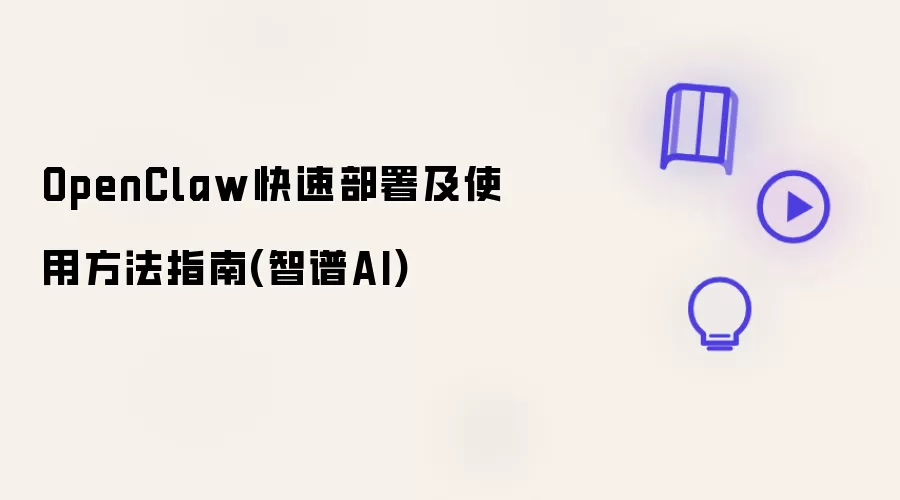
安装 nvm for Windows
- 访问 nvm-windows GitHub Releases
- 下载并安装
nvm-setup.exe
以管理员身份打开 PowerShell
- 按
Win键,输入PowerShell - 右键点击搜索结果,选择 "以管理员身份运行"
- 按
安装并使用 Node.js 22版本
# 安装 Node.js 22 的最新版本nvm install 22# 使用指定版本nvm use 22.22.0
看到 "Now using node v22.22.0" 提示即表示成功。
第二步:安装OpenClaw
推荐使用官方一键安装脚本:
# 在 PowerShell 中执行iwr -useb https://openclaw.ai/install.ps1 | iex
或者通过 npm 安装:
npm install -g openclaw@latest
完成初始配置向导
首次安装后,OpenClaw 会自动启动配置向导:
| 配置项 | 建议配置 |
|---|---|
| I understand this is powerful and inherently risky. Continue? | Yes |
| Onboarding mode | QuickStart |
| Model/auth provider | Skip for now |
| Filter models by provider | All providers |
| Default model | Keep current |
| Select channel (QuickStart) | Skip for now |
| Configure skills now? | No |
| Enable hooks? | 按空格键选中,回车确认 |
| How do you want to hatch your bot? | Do this later |
第三步:配置智谱AI模型
智谱AI提供免费模型API,注册即可使用。
# 编辑配置文件notepad $env:USERPROFILE.openclawconfig.json
添加配置:
"models": { "providers": { "zhipu": { "baseUrl": "https://open.bigmodel.cn/api/paas/v4", "apiKey": "apiKey", "api": "openai-completions", "models": [ { "id": "glm-4.5-air", "name": "GLM-4.5-Air", "reasoning": false, "input": [ "text" ], "cost": { "input": 0, "output": 0, "cacheRead": 0, "cacheWrite": 0 }, "contextWindow": 202000, "maxTokens": 8192 } ] } } }, "agents": { "defaults": { "model": { "primary": "zhipu/glm-4.5-air" }, "models": { "zhipu/glm-4.7-flash": { "alias": "GLM-4.5-Air" } }, "workspace": "你的工作路径", "compaction": { "mode": "safeguard" }, "maxConcurrent": 4, "subagents": { "maxConcurrent": 8 } } }第四步:开始使用
命令行模式
# 启动命令行界面openclaw tui
Web界面模式
# 启动Web界面openclaw dashboard
推荐Skills
1. Code技能
用途:编程助手,支持代码编写、调试、测试
openclaw skills install code
2. Beautiful-Mermaid技能
用途:图表生成,支持Mermaid图表渲染
openclaw skills install beautiful-mermaid
3. Find-Skills技能
用途:技能发现和安装助手
openclaw skills install find-skills
常用命令
会话管理
# 查看所有会话openclaw sessions list# 删除会话openclaw sessions delete --name "项目名称"
文件操作
# 读取文件openclaw read --path "C:项目路径README.md"# 写入文件openclaw write --path "C:项目路径notes.txt" --content "笔记内容"
浏览器控制
# 打开网页openclaw browser --action=open --url="https://github.com"# 截图openclaw browser --action=screenshot
更多资源
官方文档
- ? 完整文档
- ? Tools配置
- ? Skills开发
- ? 社区支持
获取智谱AI API Key
- 访问 智谱AI开放平台
- 注册账号并创建API Key
- 将Key添加到配置文件中
快速帮助
# 命令帮助openclaw --help# 服务状态openclaw gateway status# 版本信息openclaw --version