
C语言绘制表白玫瑰花操作步骤及源码
作者:袖梨
2026-08-15
C语言绘制表白玫瑰花操作步骤及源码并不只看表面做法,关键还要理解相关条件、限制和后续影响。
一、项目介绍
这是一个用C语言绘制的表白玫瑰花图形。
玫瑰花象征爱情和真挚纯洁的爱,爱情、和平、友谊、勇气和献身精神的化身,人们多把它作为爱情的信物。赶快把它送给你想送的人吧!
编译环境:visual c++ 6.0
第三方库:Easyx2022 注意需要提前安装easyX,如没有基础可以先了解easyX图形编程
二、运行截图
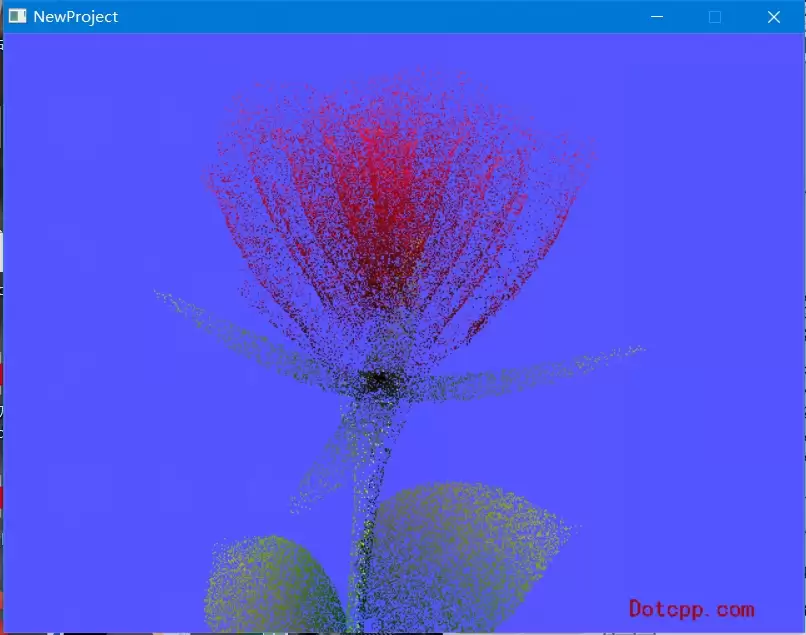
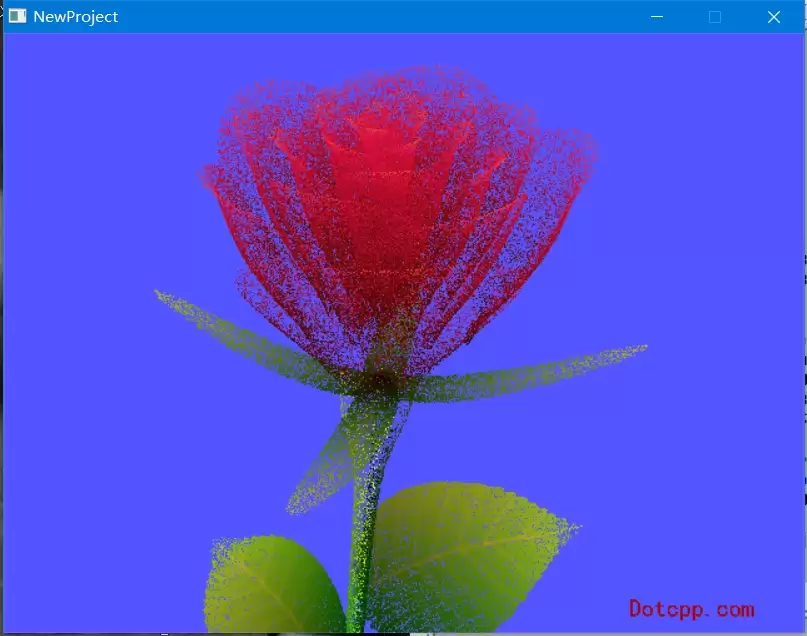
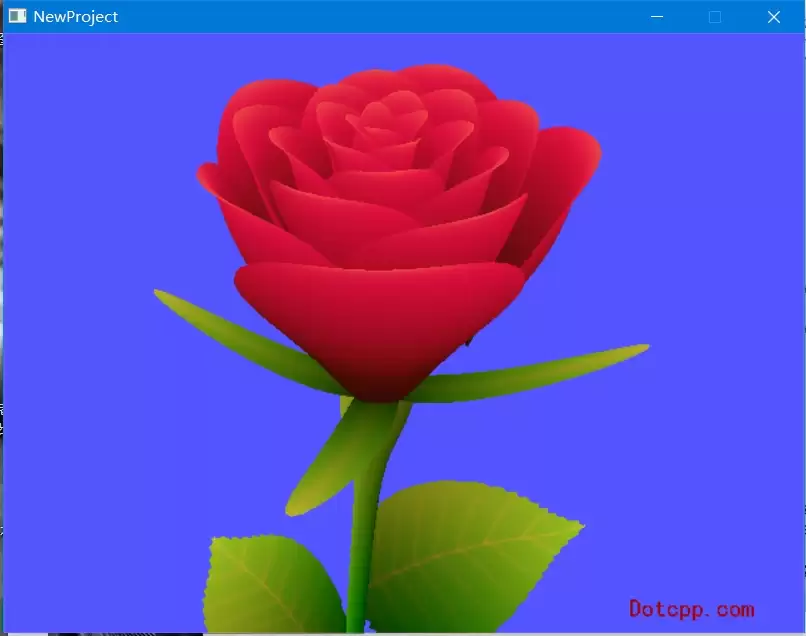
三、代码思路
1.引入easyx头文件
#include <easyx.h>
2.创建背景为亮蓝色的绘图窗口
initgraph(640, 480);setbkcolor(LIGHTBLUE);cleardevice();
3.定义全局变量
introsesize = 500;inth = -250;
4.定义结构体
struct DOT{double x;double y;double z;double r;double g;};5.计算点
bool calc(double a, double b, double c, DOT& d){double j, n, o, w, z;......完成
四、完整源码
// 编译环境:VC6.0 / VC2010,EasyX_20210730// 最后修改:2023-10-6#include <graphics.h>#include <conio.h>#include <math.h>// 定义全局变量introsesize = 500;inth = -250;// 定义结构体struct DOT{double x;double y;double z;double r;// 红色double g;// 绿色// b(蓝色) 通过 r 计算};// 计算点bool calc(double a, double b, double c, DOT& d){double j, n, o, w, z;if (c > 60)// 花柄{d.x = sin(a * 7) * (13 + 5 / (0.2 + pow(b * 4, 4))) - sin(b) * 50;d.y = b * rosesize + 50;d.z = 625 + cos(a * 7) * (13 + 5 / (0.2 + pow(b * 4, 4))) + b * 400;d.r = a * 1 - b / 2;d.g = a;return true;}double A = a * 2 - 1;double B = b * 2 - 1;if (A * A + B * B < 1){if (c > 37)// 叶{j = (int(c) & 1);n = j ? 6 : 4;o = 0.5 / (a + 0.01) + cos(b * 125) * 3 - a * 300;w = b * h;d.x = o * cos(n) + w * sin(n) + j * 610 - 390;d.y = o * sin(n) - w * cos(n) + 550 - j * 350;d.z = 1180 + cos(B + A) * 99 - j * 300;d.r = 0.4 - a * 0.1 + pow(1 - B * B, -h * 6) * 0.15 - a * b * 0.4 + cos(a + b) / 5 + pow(cos((o * (a + 1) + (B > 0 ? w : -w)) / 25), 30) * 0.1 * (1 - B * B);d.g = o / 1000 + 0.7 - o * w * 0.000003;return true;}if (c > 32)// 花萼{c = c * 1.16 - 0.15;o = a * 45 - 20;w = b * b * h;z = o * sin(c) + w * cos(c) + 620;d.x = o * cos(c) - w * sin(c);d.y = 28 + cos(B * 0.5) * 99 - b * b * b * 60 - z / 2 - h;d.z = z;d.r = (b * b * 0.3 + pow((1 - (A * A)), 7) * 0.15 + 0.3) * b;d.g = b * 0.7;return true;}// 花o = A * (2 - b) * (80 - c * 2);w = 99 - cos(A) * 120 - cos(b) * (-h - c * 4.9) + cos(pow(1 - b, 7)) * 50 + c * 2;z = o * sin(c) + w * cos(c) + 700;d.x = o * cos(c) - w * sin(c);d.y = B * 99 - cos(pow(b, 7)) * 50 - c / 3 - z / 1.35 + 450;d.z = z;d.r = (1 - b / 1.2) * 0.9 + a * 0.1;d.g = pow((1 - b), 20) / 4 + 0.05;return true;}return false;}// 主函数int main(){// 定义变量short* zBuffer;intx, y, z, zBufferIndex;DOTdot;// 初始化initgraph(640, 480);// 创建绘图窗口setbkcolor(LIGHTBLUE);// 设置背景色为亮蓝色cleardevice();// 清屏setcolor(RED); setbkmode(TRANSPARENT);settextstyle(20,0,"楷体");outtextxy(450, 430, "");outtextxy(500, 450, "Dotcpp.com");// 初始化 z-bufferzBuffer = new short[rosesize * rosesize];memset(zBuffer, 0, sizeof(short) * rosesize * rosesize);for (int j = 0; j < 2000 && !_kbhit(); j++)// 按任意键退出{for (int i = 0; i < 10000; i++)// 减少是否有按键的判断if (calc(double(rand()) / RAND_MAX, double(rand()) / RAND_MAX, rand() % 46 / 0.74, dot)){z = int(dot.z + 0.5);x = int(dot.x * rosesize / z - h + 0.5);y = int(dot.y * rosesize / z - h + 0.5);if (y >= rosesize) continue;zBufferIndex = y * rosesize + x;if (!zBuffer[zBufferIndex] || zBuffer[zBufferIndex] > z){zBuffer[zBufferIndex] = z;// 画点int r = ~int((dot.r * h));if (r < 0) r = 0;if (r > 255) r = 255;int g = ~int((dot.g * h));if (g < 0) g = 0;if (g > 255) g = 255;int b = ~int((dot.r * dot.r * -80));if (b < 0) b = 0;if (b > 255) b = 255;putpixel(x + 50, y - 20, RGB(r, g, b));}}Sleep(5);}// 退出delete[]zBuffer;_getch();closegraph();return 0;} 相关文章
-
韩剧再婚皇后阿里云盘全集高清1080P资源链接-韩剧再婚皇后免费阿里云盘资源下载4K高清无删减版链接
游戏攻略 2026-11-06
-
poipiku网站如何打开-poipiku官网网页版访问入口
游戏攻略 2026-11-06
-
明日方舟:终末地-云游戏畅玩入口-明日方舟:终末地-网页版在线直连地址
游戏攻略 2026-11-06
-
poki在线小游戏网页版-poki免费游戏大全入口
游戏攻略 2026-11-06
-
poki游戏入口-点开即玩-poki游戏-在线免费畅玩
游戏攻略 2026-11-06
-
原神akt大佬资源viciNeko入口链接-原神akt大佬资源网页vicineko入口链接分享
游戏攻略 2026-11-06








