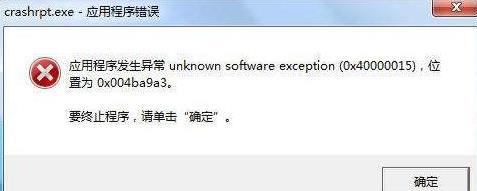
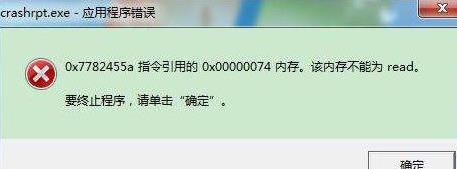
《原神》crashrpt.exe应用程序错误解决方法
作者:袖梨
2023-10-18
本篇将为大家带来《原神》crashrpt.exe应用程序错误解决方法的内容,原神crashrpt.exe应用程序错误怎么办?当原神在最新版本更新导致应用程序错误该怎么办,目前还有很多小伙伴还不知道怎么处理。感兴趣的小伙伴们一起来看看吧,希望能够帮助到大家。
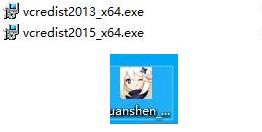
找目录vcredist2013_x64.exe即可。
1、crashrpt.exe应用程序错误首先点击右键原神游戏。